YOUR SAMPLES. ONE LIBRARY.
YOUR SAMPLES.
ONE LIBRARY.
BOTH TRUE is a sample library manager built for music makers.
Bring in the folders you already own. BOTH TRUE analyzes your sounds and makes your collection easier to browse, search, and explore—even when you cannot remember a filename or a pack.
LAUNCH$129$79
Apple Silicon macOS · Intel macOS 12 Preview · Windows x64 · One-time purchase
01 / MANAGE YOUR LIBRARY
Sample packs pile up. Folder names multiply. Finding a sound starts to depend on remembering where you saved it.
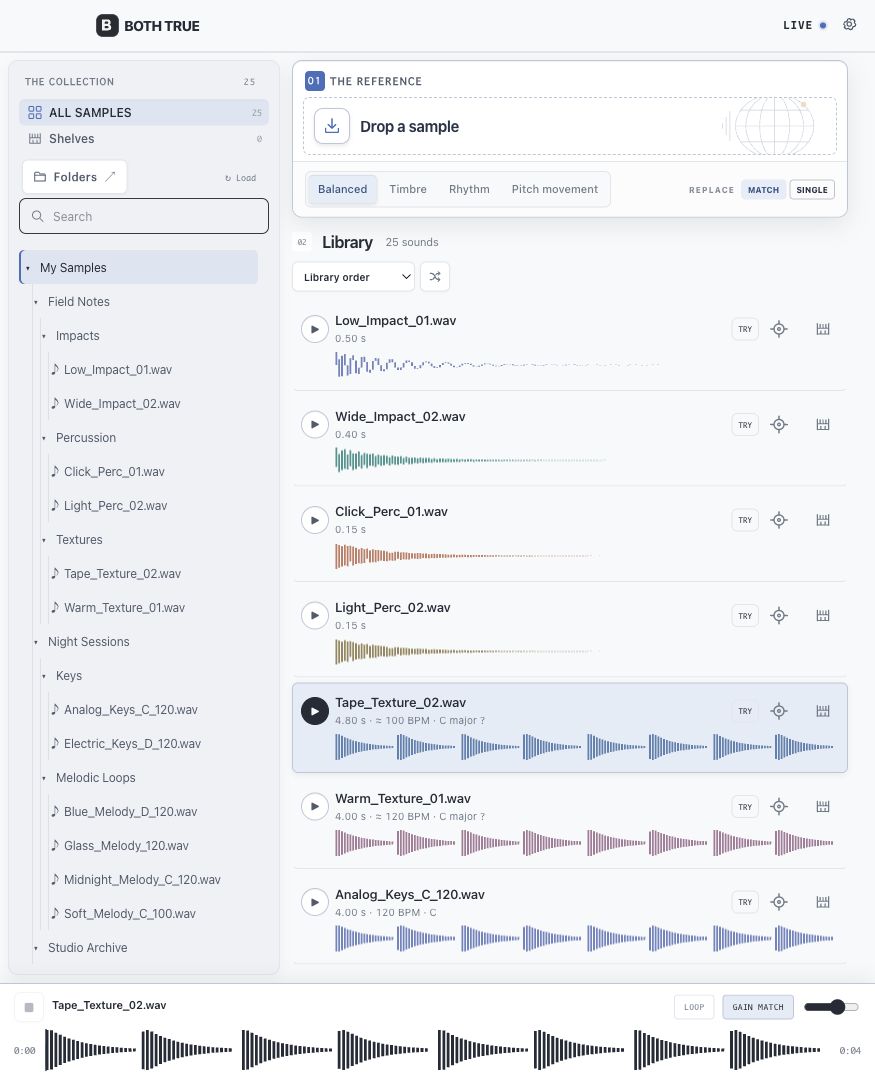
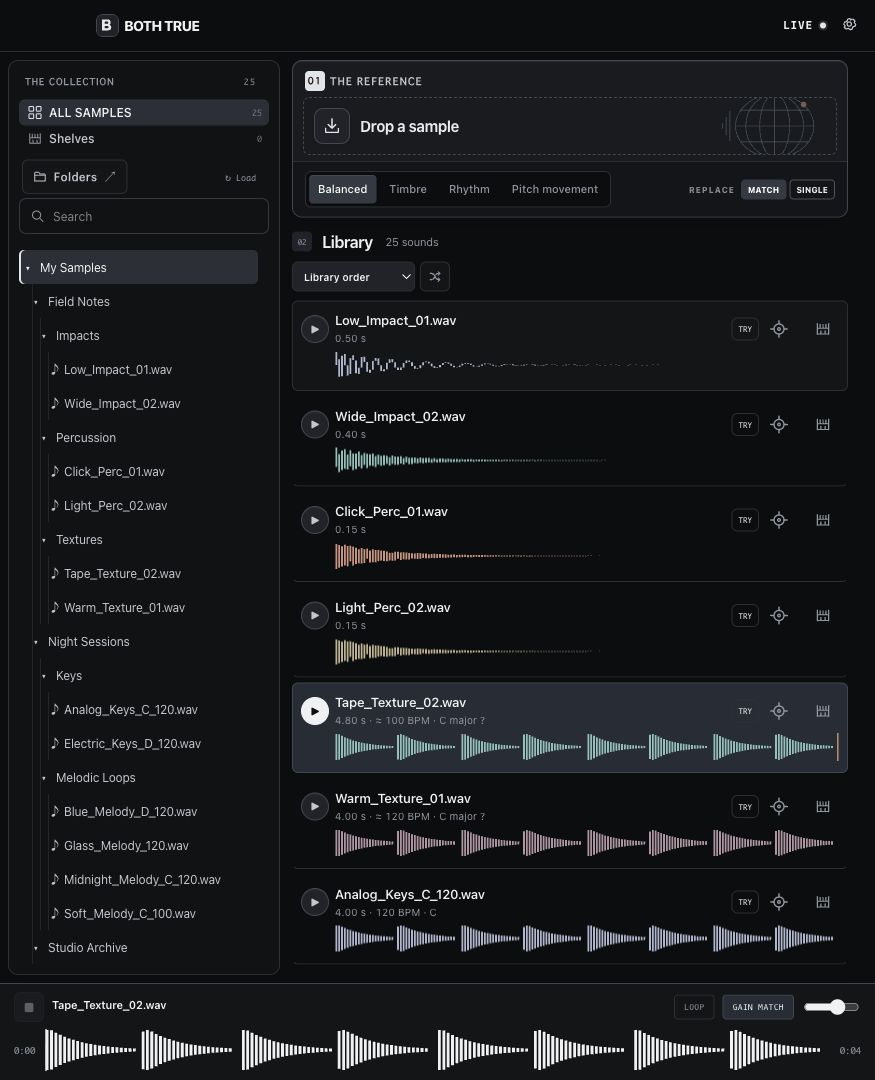
BOTH TRUE brings those folders into one library and helps you browse by musical category. Keep the folder structure you know, search across the collection, or go straight to the kind of sound you need.
You can correct a category yourself when a sound belongs somewhere else.
02 / FIND BY SOUND
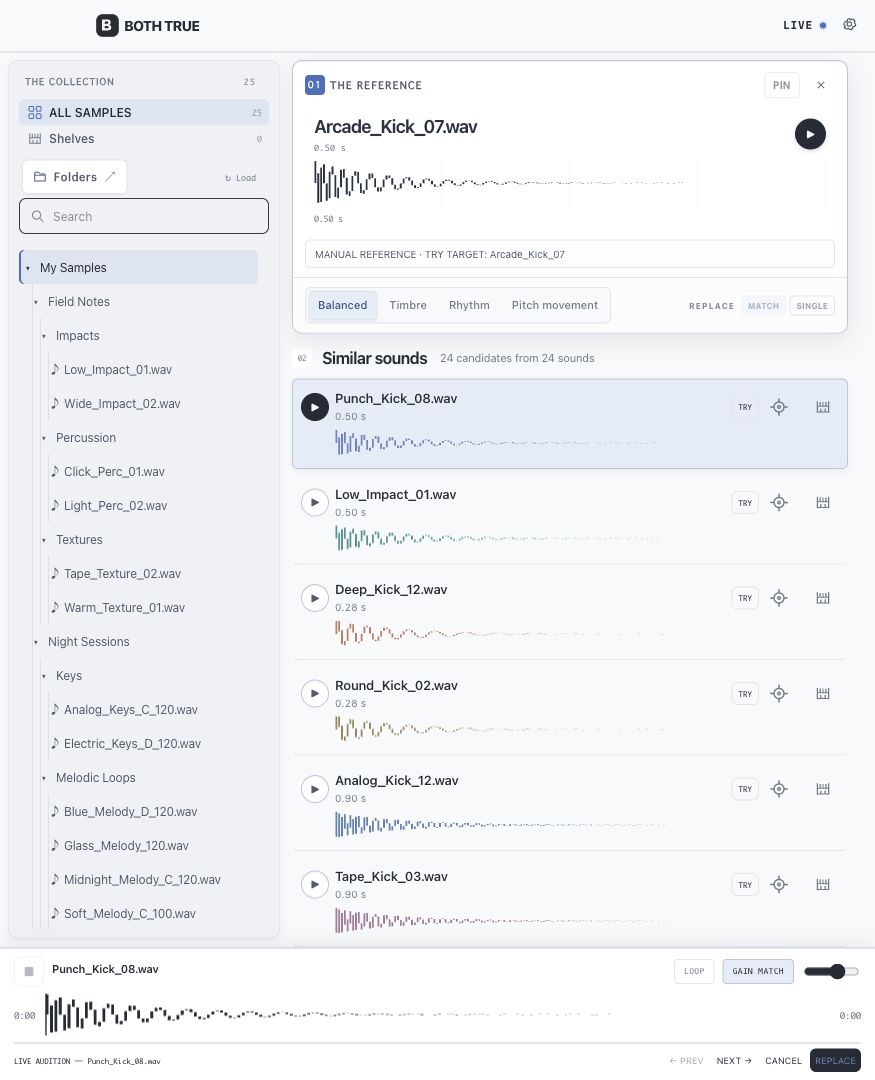
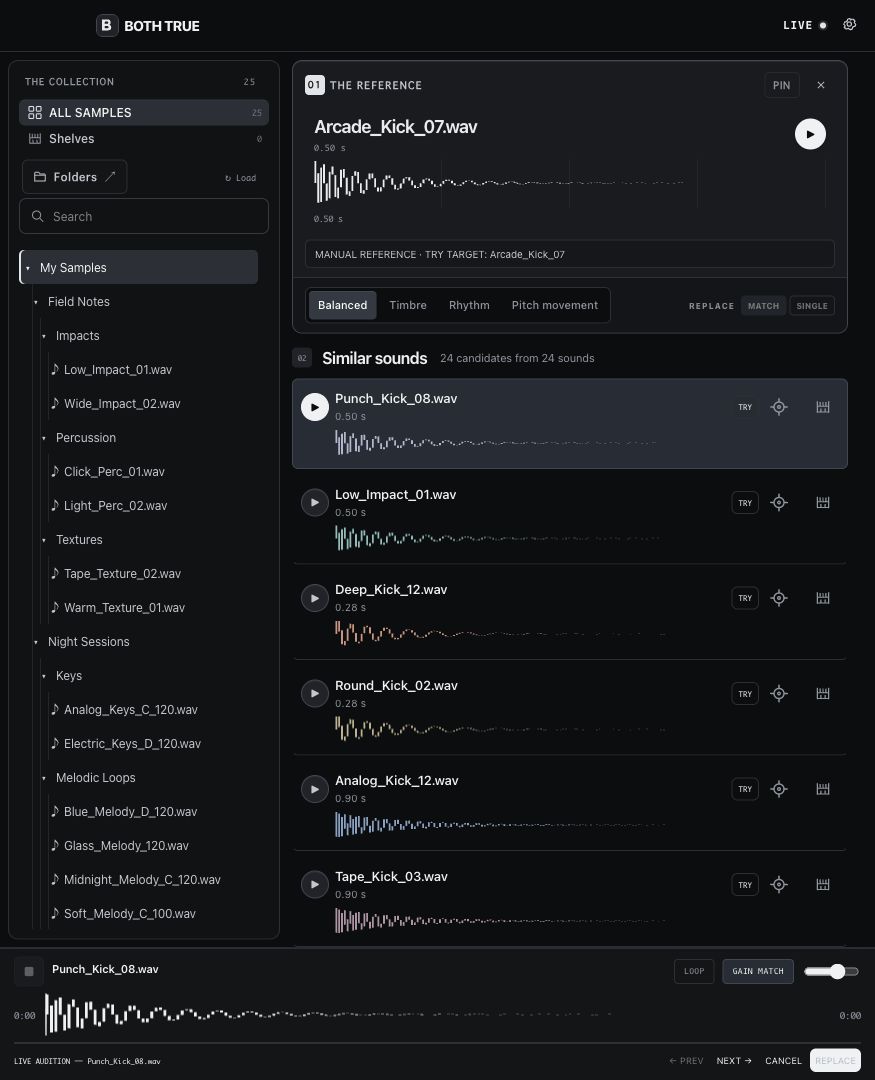
Choose a sound from your library as a reference. BOTH TRUE finds related samples across folders and packs, regardless of how they were named.
Follow the overall character, timbre, rhythm, or movement. Hear a result, make it the next reference, and keep exploring.
The sound you want may already be in your collection. This is how you reach it.
- 01
OVERALL CHARACTER
Find sounds that share the overall feel of your reference.
- 02
TIMBRE
Follow tone and texture.
- 03
RHYTHM
Follow rhythmic behavior.
- 04
MOVEMENT
Follow how a sound changes over time.
03 / ABLETON LIVE
A sample that sounds promising in the library still has to work in your arrangement. BOTH TRUE's Ableton Live workflow is designed to let you make that decision inside the track.
Ableton Live Bridge delivery is upcoming; it is not in the current download.
- 01 / SELECT
Select a sample clip in Live. BOTH TRUE uses it as the reference for finding alternatives in your library.
- 02 / TRY
Choose a candidate and press TRY to hear it at the target position in your arrangement. Move to another candidate and keep listening. TRY is temporary; CANCEL returns to the original.
- 03 / REPLACE
When one works, press REPLACE to commit the choice.
For an Arrangement clip, choose SINGLE to work on the selected clip, or MATCH to work on matching clips on the same track. MATCH identifies them by the same source file and Clip name.
TRY and REPLACE require Ableton Live and the BOTH TRUE Bridge. Library management and sound search work without Ableton Live.
BEFORE YOU BUY
- PLATFORMS
- Apple Silicon Mac (macOS 13+), Intel Mac (macOS 12 Preview), and Windows x64
- LIBRARY
- Your own sample folders; sample packs are not included
- ABLETON INTEGRATION
- Requires Ableton Live and the BOTH TRUE Bridge; Bridge not yet included
- DELIVERY
- Digital download after checkout: choose your platform
- LICENSE
- One-time purchase
- PRICE
- $79 USD
Manage the sounds you own. Find the ones you need. And when you're working in Ableton Live, hear an alternative in the track before you commit to it.
LAUNCH$129$79